


English to Tagalog Best Translator – Top Tools Compared (2026)
If you're trying to translate from English to Tagalog for work, school, subtitles, or everyday communication, choosing the right translator can make all the difference.
With so many tools available, which one gives you the best balance of accuracy, speed, and ease of use?
In this guide, we’ll compare the top English to Tagalog translator tools in 2026, and explain why SubEasy stands out—especially if you work with audio or video.
What Makes a Translator the “Best”?
When evaluating translation tools, consider:

- Accuracy: Does it understand nuance, context, and idioms?
- Voice or Audio Input: Can it transcribe and translate spoken content?
- Editing Options: Is it easy to revise the output?
- Subtitle Support: Can it handle SRT export for video captions?
- Free Plan Availability: Is it useful without requiring payment?
🏆 Top 5 English to Tagalog Translator Tools (2026)
1. SubEasy – Best for Audio & Video Translation
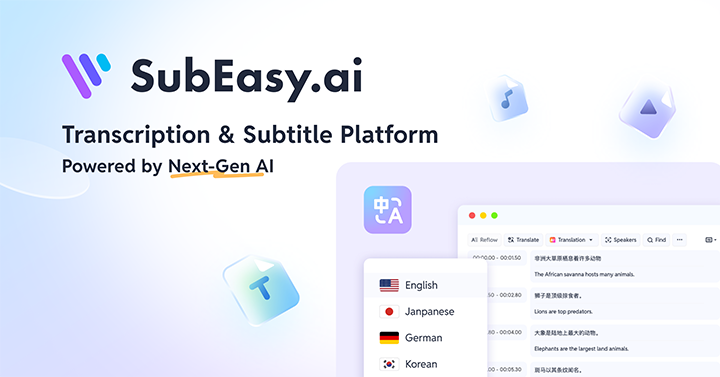
- Upload English audio or video → auto transcribe → click to translate into Tagalog
- Clean, editable output
- Subtitle export (SRT) included
- Free plan: 3 sessions/day, up to 30 min each
- Entirely browser-based
🌟 Best for: Podcasters, YouTubers, teams with real speech content
2. JotMe – Best for Real-Time Meetings & Workplace Collaboration
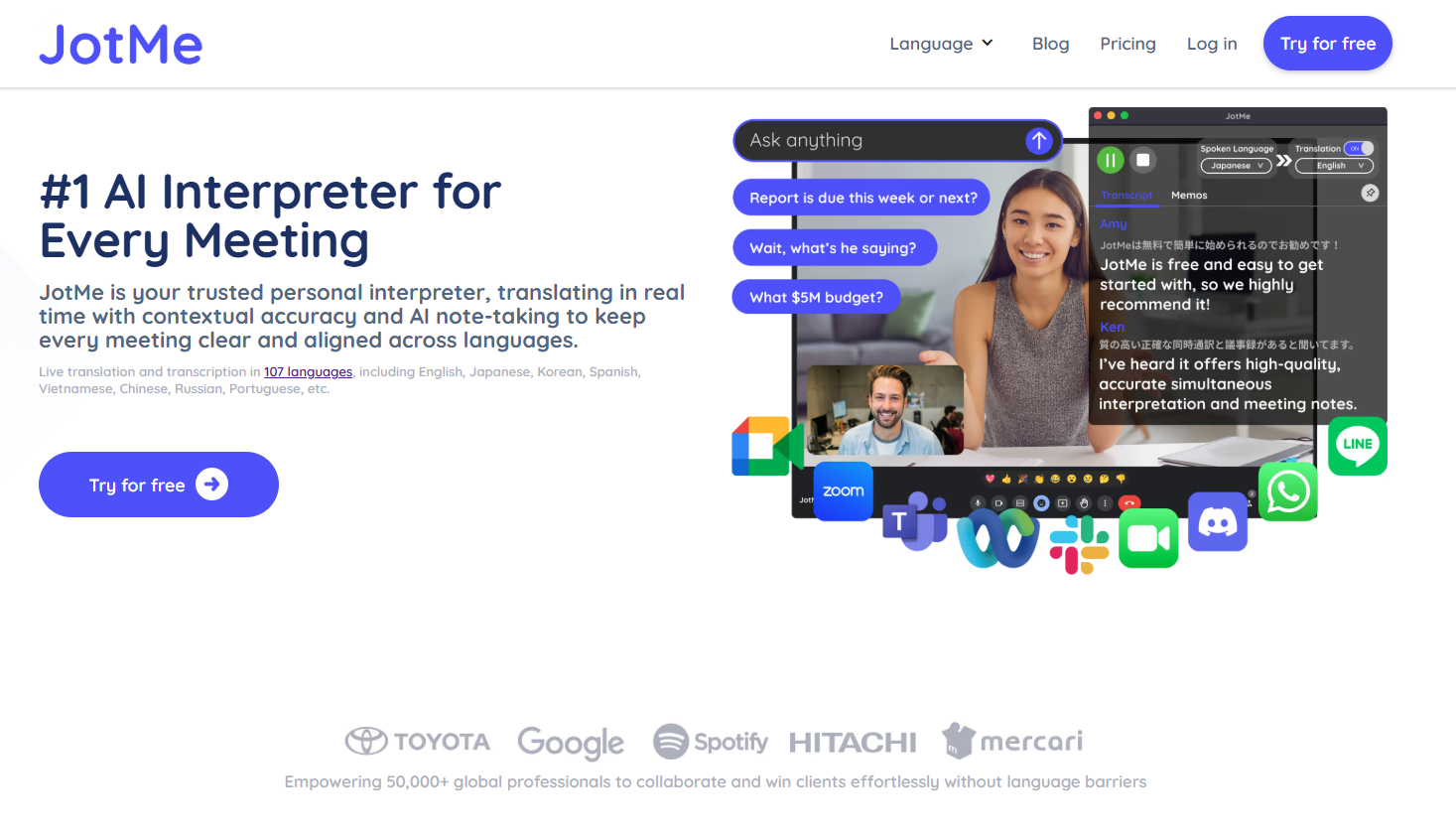
- Live AI Translation: Provides instant, real-time subtitles and transcription for platforms like Google Meet, Zoom, and Microsoft Teams
- High Accuracy: Uses context-aware AI for professional jargon and Tagalog idioms; includes a "Custom Vocabulary" feature for industry terms
- Actionable Records: Instantly generates meeting recordings with AI-summarized notes and full searchable transcripts
- Free plan: 20 minutes of monthly live translation or real-time summary
- Cross-platform: Available via Chrome extension, desktop app, and mobile
🌟 Best for: Remote teams, international businesses, and professionals bridging language gaps in real-time
3. Google Translate – Best for Quick Text
- Widely used
- Simple interface
- Good for casual phrases
- Often mistranslates longer sentences or slang
🌟 Best for: One-off words and short phrases
4. DeepL (limited Tagalog support)
- Known for very fluent translations in European languages
- As of 2026, Tagalog support still limited or unofficial
- Less useful for Tagalog
🌟 Best for: Other language pairs, not Tagalog
5. iTranslate App
- Mobile-friendly
- Text and voice input
- Requires premium upgrade for full features
🌟 Best for: Travel use, mobile translation
Why SubEasy Wins for Spoken English to Tagalog
SubEasy isn’t just a text translator—it’s a full pipeline:
🎧 Audio → 📝 Transcript → 🌐 Translation → 📄 SRT export
It’s ideal for:
- Translating YouTube videos
- Adding Tagalog subtitles to interviews
- Localizing podcasts
- Training or education content
How to Use SubEasy (Free)
- Go to SubEasy
- Sign up (free)
- Upload English audio or video
- Get transcription → click “Translate” → select “Tagalog”
- Edit and export as TXT, DOCX, or SRT
Free plan includes 3 sessions/day, up to 30 min per file, full export access.
Conclusion
 If you’re looking for the best English to Tagalog translator for audio, subtitles, and real-world use, SubEasy offers unmatched convenience and accuracy.
Other tools have their place—but for spoken content, nothing beats AI transcription + contextual translation in one smooth workflow.
Try the best English to Tagalog translator for free today: SubEasy – Start Now
Also interested in Southeast Asian languages? Read our guide to translating Indonesian to English.